Cargando...

What can I do?
Find

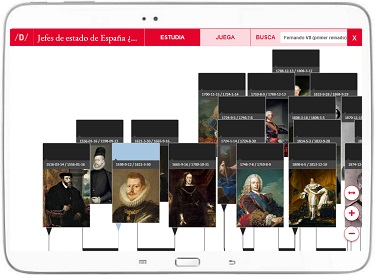
Display the list and select the stages of human evolution that correspond.Enlarge or reduce the image with the zoom and adjust its size to the screen of your device. You can also act on the image and ...

Place the stages of human evolution in chronological order.Enlarge or reduce the image with the zoom and adjust its size to the screen of your device. You can also act on the image and drag it to cent ...

Click on the stages of human evolution and drag them to the right places.Enlarge or reduce the image with the zoom and adjust its size to the screen of your device. You can also act on the image and d ...
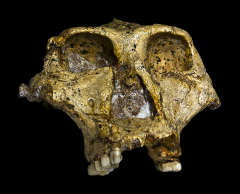
Place the stages of human evolution in chronological order.Enlarge or reduce the image with the zoom and adjust its size to the screen of your device. You can also act on the image and drag it to cent ...
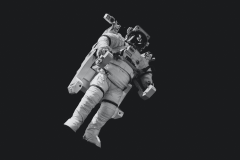
Display the list and select these historical events that correspond.Enlarge or reduce the image with the zoom and adjust its size to the screen of your device. You can also act on the image and drag i ...
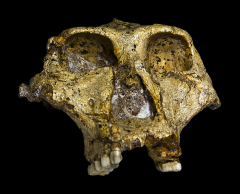
Display the list and select the stages of human evolution that correspond.Enlarge or reduce the image with the zoom and adjust its size to the screen of your device. You can also act on the image and ...
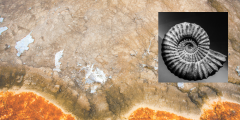
Display the list and select the different eons that correspond.Enlarge or reduce the image with the zoom and adjust its size to the screen of your device. You can also act on the image and drag it to ...
Place these historical events in chronological order.Enlarge or reduce the image with the zoom and adjust its size to the screen of your device. You can also act on the image and drag it to center it.
Add to Didactalia Arrastra el botón a la barra de marcadores del navegador y comparte tus contenidos preferidos. Más info...